




What Is IPTV? Internet TV Explained
What is IPTV and how does it work? Learn how it differs from cable TV, which devices you need, and what to consider before choosing an IPTV subscription.
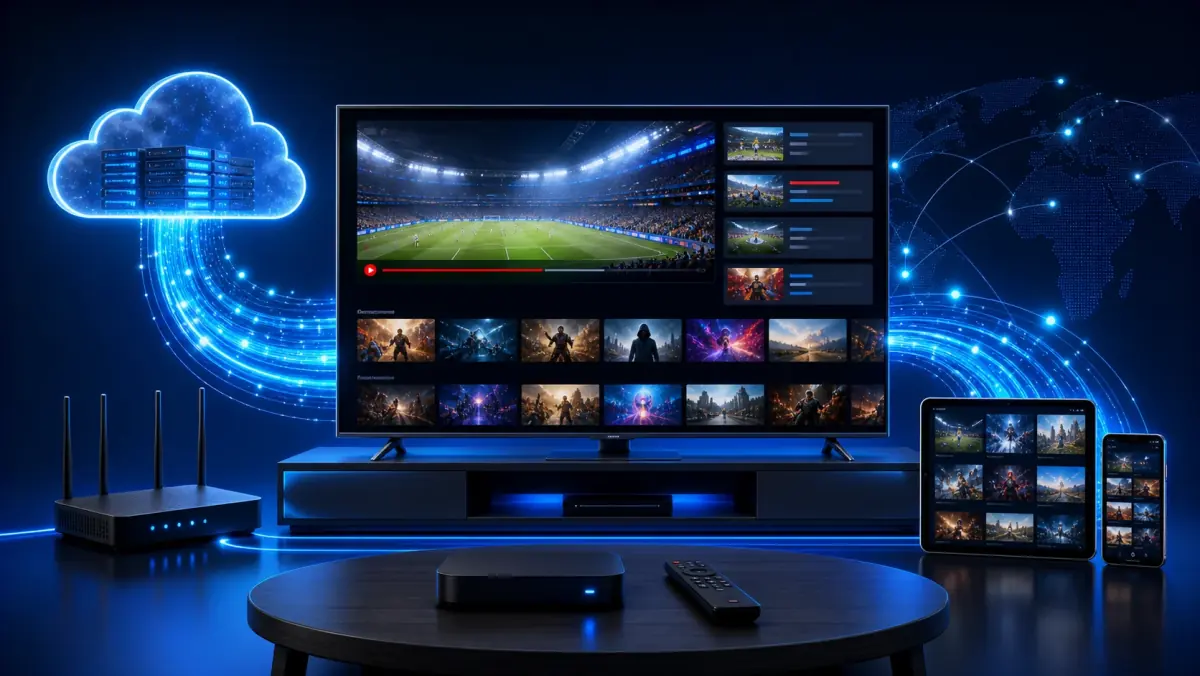
What Is IPTV? How Internet Television Works
The way we watch television has changed significantly in recent years.
In the past, you depended on a coaxial cable, a satellite dish, or a fixed receiver supplied by your television provider. Today, television can be delivered directly through your internet connection.
That is exactly what IPTV is designed to do.
But what is IPTV, exactly? How does it work? Do you need a special television? And how is IPTV different from Netflix or traditional cable television?
This guide explains everything step by step.
There is no need for a complicated technical explanation. Within a few minutes, you will understand what IPTV is, what you need to use it, and what to check before choosing a subscription.
What Does IPTV Mean?
IPTV stands for Internet Protocol Television.
In simple terms, it means that television programs are delivered through your internet connection.
With traditional television, the signal usually arrives through a coaxial cable, fiber connection, or satellite dish. With IPTV, the picture is delivered as internet data, similar to the way websites, online videos, and music are sent to your device.
As a result, you do not necessarily need a separate television cable for every television in your home.
As long as your device can connect to the internet and supports a suitable IPTV app, you can usually watch television.
IPTV can be used on devices such as:
- a Smart TV;
- an Android TV box;
- a Formuler box;
- an Amazon Fire TV Stick;
- a smartphone;
- a tablet;
- a laptop or desktop computer;
- an Apple TV;
- certain media players and streaming sticks.
The biggest difference is not only what you watch, but how the television signal reaches your home.
How Does IPTV Work?
The technology behind IPTV sounds more complicated than it really is.
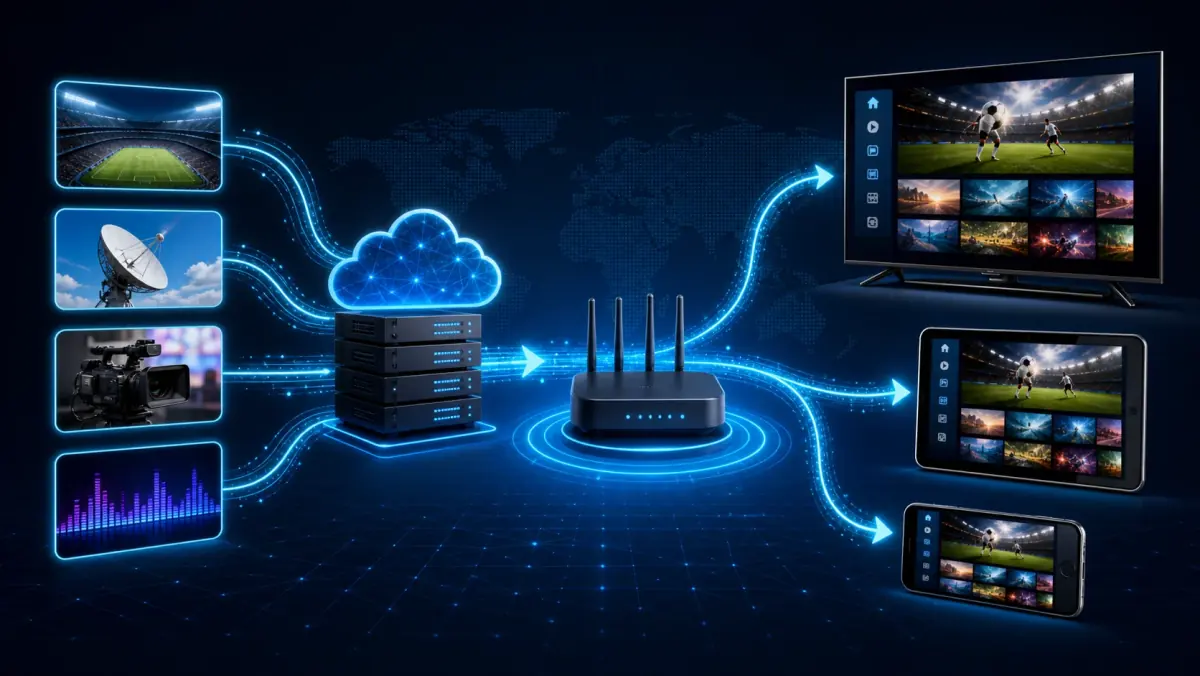
When you select a channel in an IPTV app, the app connects to a server. That server sends the video stream through the internet to your device.
Your app receives the video data, processes it, and displays the picture and sound on your screen.
This usually happens almost instantly.
A basic IPTV connection consists of four main parts:
- The broadcast source
This is the original television signal or video file. - The IPTV server
The server processes and distributes the channels and video content. - Your internet connection
This carries the stream from the server to your home. - Your device and IPTV app
These receive the stream and turn it into picture and sound.
When all four parts work correctly, you barely notice the technology. You open the app, choose a channel, and start watching.
If one of those parts has a problem, you may experience buffering, error messages, or a channel that does not start.
That is why internet speed is not the only factor that matters. The stability of your Wi-Fi, the performance of your device, and the quality of the streaming server are also important.
Is IPTV the Same as Netflix?
Not exactly.
Netflix, Disney+, and similar services also use the internet to deliver video. However, these platforms are usually described as streaming services or video-on-demand platforms.
When people talk about IPTV, they usually mean a service built mainly around live television channels.
This may include:
- Dutch television channels;
- international channels;
- live sports;
- news;
- children’s channels;
- music channels;
- movies and series;
- radio stations;
- programs available for replay.
The main difference is the type of content and how you use it.
With Netflix, you usually choose a film or series from a library and watch it whenever you want. With IPTV, you can also watch live television while the program is being broadcast.
Many IPTV services combine both formats. This means you can access live television and a video-on-demand library through the same app.
What Is the Difference Between IPTV and Cable TV?
From the viewer’s perspective, they may look similar. You select a channel and watch television.
Behind the scenes, however, they work differently.
The main advantage of IPTV is flexibility.
You are not necessarily limited to one television in your living room. Depending on the service and subscription, IPTV can be used on a television, tablet, phone, or other supported device.
However, this does not mean that every subscription can be used on several devices at the same time.
Many IPTV plans include only one active connection by default.
If you want to watch on two televisions simultaneously, check how many simultaneous connections the subscription supports before ordering.
What Types of IPTV Are Available?
IPTV is not a single feature. It is a general term covering several ways of watching television and video through the internet.
1. Live Television
This is the closest experience to traditional television.
You choose a channel and watch what is being broadcast at that moment. This may include a news program, football match, entertainment show, or live event.
2. Video on Demand
Video on demand allows you to choose what you want to watch and when you want to watch it.
This may include films, series, documentaries, and children’s programs.
3. Catch-Up Television
Some services offer a catch-up feature. This lets you watch a program after it has already been broadcast.
Not every channel or IPTV service supports catch-up television. The number of days available may also vary.
4. Electronic Program Guide
An EPG, or Electronic Program Guide, shows which programs are currently playing and what is coming next.
A well-organized guide makes it easier to find channels and see when a program begins.
5. Radio and Other Media Channels
Some IPTV packages also include radio stations, music channels, or special-interest channels.
What Do You Need to Watch IPTV?
You do not need a complicated installation.
In most cases, four things are enough.
A Stable Internet Connection
IPTV only works well when your internet connection is stable enough to receive video data continuously.
For Full HD, around 15 to 25 Mbps per active stream is often sufficient. A 4K stream usually requires more capacity.
The exact requirement depends on the bitrate, compression, and picture quality used by the stream.
However, a fast connection is not automatically a stable connection. A Wi-Fi connection that drops briefly every few minutes may cause problems even if a speed test shows a high number.
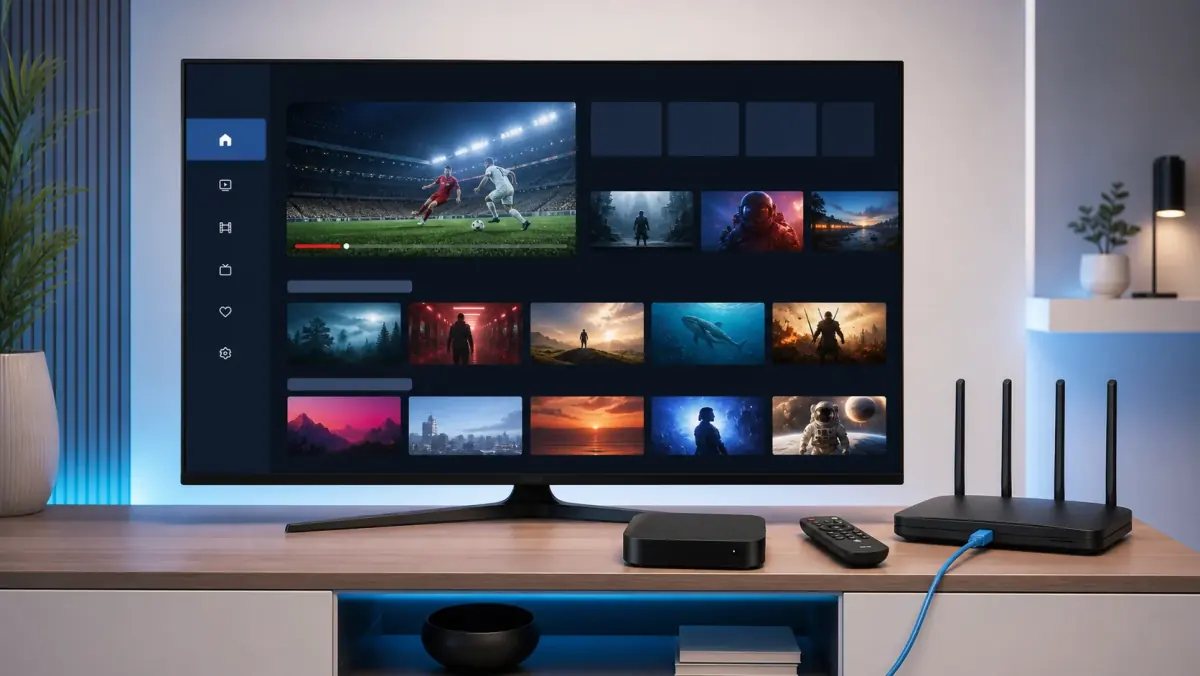
For the most stable experience, use an Ethernet cable whenever possible.
A Compatible Device
Many modern Smart TVs can install IPTV apps directly.
If your television does not support a suitable app or performs too slowly, you can use an external media player such as an Android TV box, Fire TV Stick, or Formuler box.
An external device can be especially useful with an older television. In that case, the television acts only as the screen, while the external device runs the app and processes the video stream.
An IPTV App
The app is the player you use to open and organize channels.
Common examples include:
- TiviMate;
- IPTV Smarters;
- IBO Player;
- SmartOne IPTV;
- VLC;
- apps developed for specific devices or platforms.
Not every app works on every device. Check which apps are available for your television or streaming box before choosing one.
Login Details From the Provider
After ordering a subscription, you normally receive the details needed to add the service to your app.
These details may be provided through:
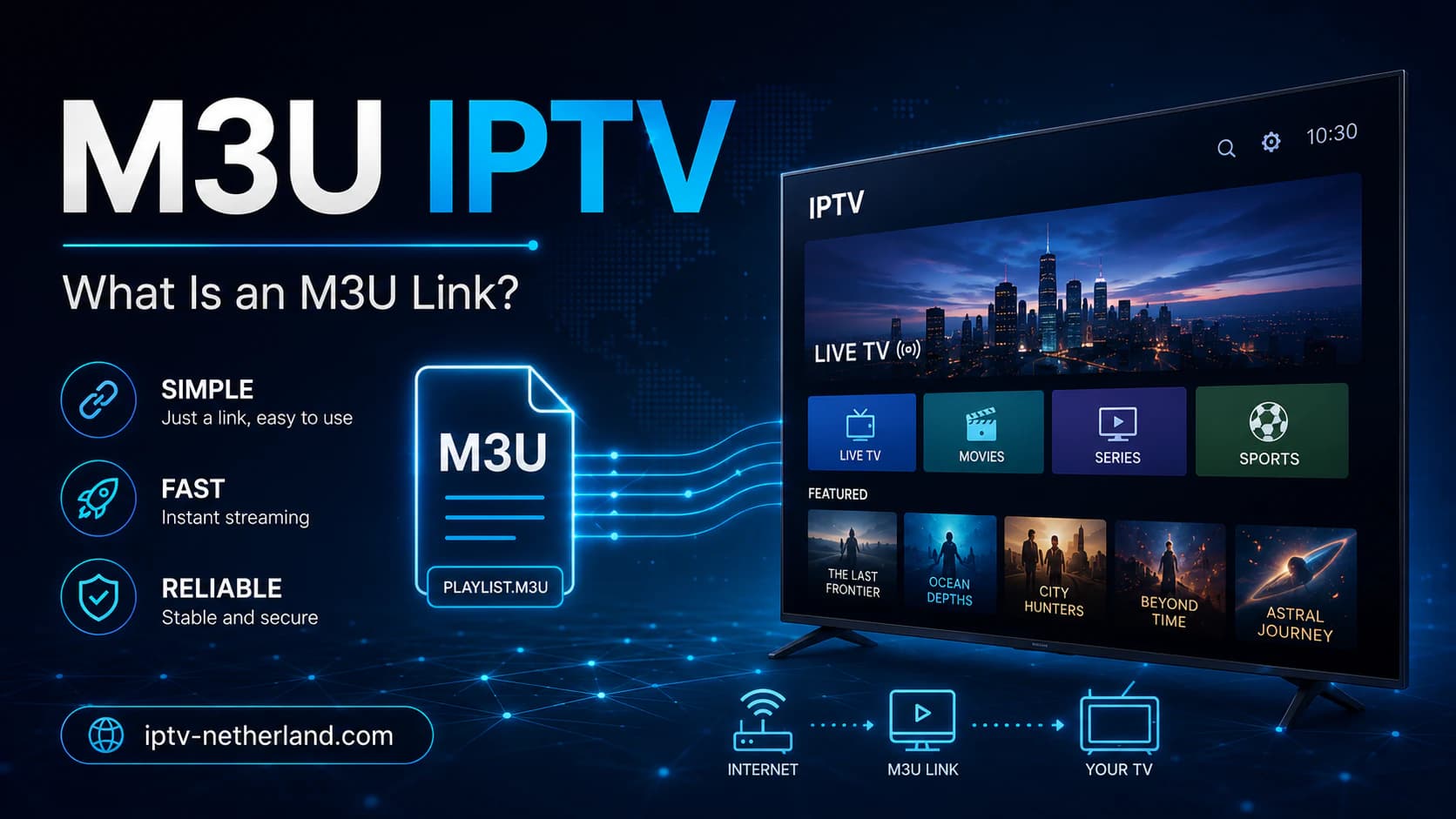
- Xtream Codes;
- an M3U link;
- a portal address;
- a username and password;
- a device-specific setup method.
The method you use depends on both the app and the provider.
At iptv-netherland.com, we help customers with the installation and configuration of their devices, so they do not have to figure out every setting on their own.
Does IPTV Work on Every Smart TV?
IPTV works on many Smart TVs, but not always in the same way.
Samsung and LG use their own operating systems. Android TV and Google TV usually provide access to the Google Play Store. Other television brands may use a different app store.
Because of this, an app available on Android TV may not be available on a particular Samsung or LG model.
Before choosing an app, check three things:
- Which operating system does your television use?
- Which IPTV apps are available in its app store?
- Is the television powerful enough to play the desired picture quality?
Older televisions may react slowly or struggle with certain video formats.
That does not mean you need to buy a new television.
A reasonably priced streaming stick or Android TV box may be enough. These devices often support newer apps and may offer better performance than the built-in software of an older Smart TV.
How Fast Should Your Internet Be for IPTV?
There is no single speed requirement that applies to every IPTV stream.
The required bandwidth depends on the resolution, compression, frame rate, and bitrate.
As a practical guideline, you can use the following estimates:
The important word is stable.
A speed test may show 100 Mbps while the connection still drops briefly every few minutes. For a live stream, even a short interruption may become visible.
Other devices in your home also use the internet.
If someone is downloading a large game, uploading a cloud backup, joining a video call, or watching several 4K streams, less bandwidth remains available for IPTV.
For the most accurate test, check the internet speed on the device you actually use for watching and at the time of day when you normally watch television.
Is IPTV Legal in the Netherlands?
The IPTV technology itself is legal.
Many official television providers and telecom companies use IPTV technology to deliver channels through the internet.
The legal question mainly concerns the content and whether the provider has permission to distribute it.
A service must have the appropriate rights to offer television channels, films, series, and sports broadcasts to customers. If a provider distributes content without the necessary rights, this may create legal risks.
Do not judge a service only by the number of channels or an unusually low price.
Also check:
- who operates the service;
- whether clear contact information is available;
- what the terms and conditions say;
- which payment methods are offered;
- whether customer support is available;
- how the trial account works;
- whether the service is transparent about its offer.
A free trial can help you evaluate the technical performance, but it does not automatically prove that every piece of content is properly licensed.
Always use IPTV and other streaming services in accordance with applicable laws and the provider’s terms.
What Are the Benefits of IPTV?
IPTV has become popular mainly because of its flexibility.
Watch on Different Devices
You are not limited to one fixed receiver. Depending on the subscription, IPTV can be used on a television, phone, tablet, or computer.
Live TV and Movies in One App
Many users appreciate having live channels and video-on-demand content in the same interface.
No Traditional TV Connection Required
Because the signal is delivered through the internet, you do not necessarily need a coaxial cable or satellite dish.
Search and Favorites
Many IPTV apps allow you to save favorite channels, hide categories, and search for programs quickly.
International Channels
IPTV makes it technically easier to provide channels from different countries through a single platform.
Flexible Installation
If you move house or buy a new television, you usually only need to install the app again and enter your login details.
What Are the Disadvantages of IPTV?
IPTV also has limitations.
Your Connection Must Be Stable
Without a stable internet connection, you may experience buffering or reduced picture quality.
Not Every App Is Easy to Use
Some IPTV apps are simple and intuitive. Others include many technical settings that may confuse new users.
Older Devices May Struggle
An older Smart TV may become slow when loading large channel lists or high-bitrate streams.
Quality Varies Between Providers
The viewing experience depends heavily on the server quality, customer support, channel sources, and account configuration.
Multiple Devices Do Not Always Mean Simultaneous Viewing
An account may be installed on several devices but still allow only one active stream at a time. Check the number of permitted connections before ordering.
How Do You Choose an IPTV Subscription?
A very long channel list is not automatically the most important feature of a good subscription.
Thousands of channels are not useful if the app is difficult to navigate or the channels you actually watch are unreliable.
Pay attention to the following points.
1. The Channels You Actually Want
Do not focus only on the total number of channels. Check whether the Dutch and international channels that matter to you are included.
You can view our Dutch IPTV channel list for an overview.
2. Installation Support
Clear setup support is important, especially for new users.
A provider that only sends login details but offers no help can make the installation unnecessarily difficult.
3. Compatibility With Your Device
Make sure the service works with your Smart TV, Android box, phone, tablet, or other media player.
4. Number of Simultaneous Connections
If you want to watch on multiple televisions at the same time, check how many active connections are included.
5. Trial Period
A test account allows you to check the stream quality on your own internet connection and device.
6. Clear Prices and Terms
Review what is included, how long the subscription lasts, and what kind of support is available.
Compare our IPTV subscriptions to find the package that best matches your needs.
How Is IPTV Installed?
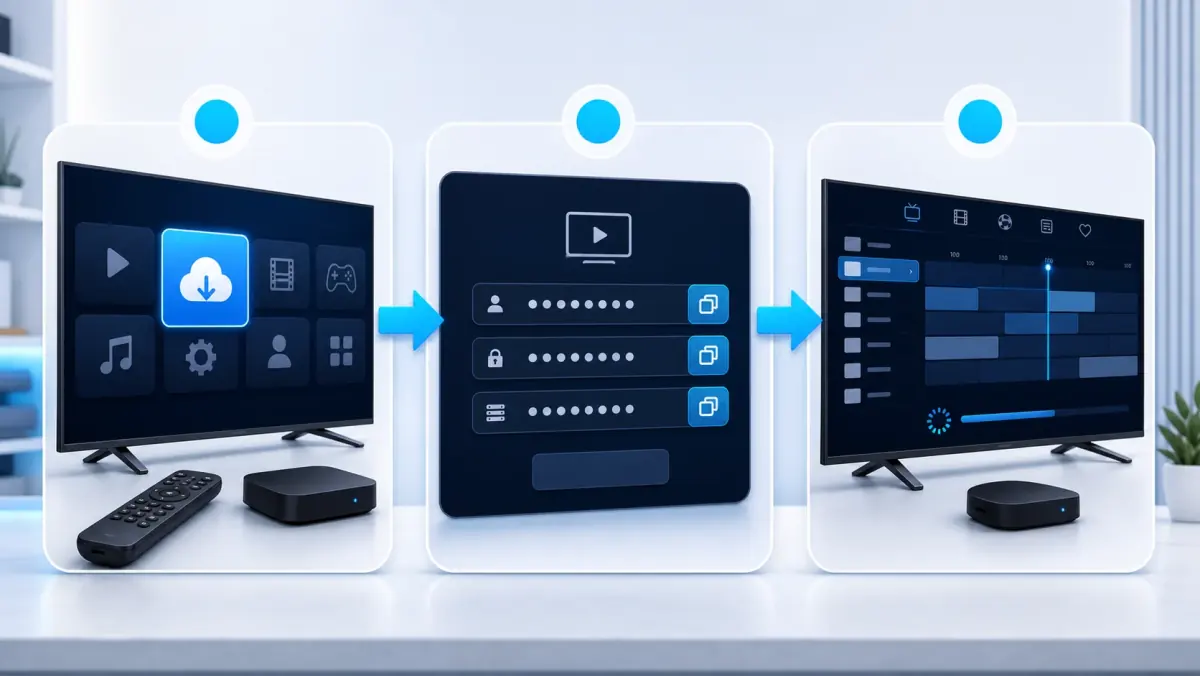
The installation process depends on the device, but it usually follows the same general steps:
- Choose a suitable IPTV app.
- Install the app on your television or media player.
- Open the app.
- Add the login details provided with your subscription.
- Allow the channels and program guide to load.
- Save your favorite channels.
- Test several live channels.
- Adjust the player or buffer settings if necessary.
Some apps require a MAC address or device key. Other apps ask for a username, password, and server address.
Always follow the instructions that match your device and app.
At iptv-netherland.com, we help customers not only access IPTV but also complete the installation and configuration of their devices.
Frequently Asked Questions About IPTV
Do You Need a Smart TV for IPTV?
No.
You can also watch IPTV through an Android TV box, Fire TV Stick, Apple TV, laptop, smartphone, or tablet.
A standard television can be used with an external streaming device as long as it has a compatible HDMI port.
Can You Watch IPTV Over Wi-Fi?
Yes, but a wired connection is usually more stable.
A strong Wi-Fi connection can work well, especially when the router is nearby. However, the signal may become less stable when it has to travel through several walls or over a long distance.
Can IPTV Be Installed on Multiple Devices?
Usually, yes.
However, that does not automatically mean that you can watch on all those devices at the same time. The number of simultaneous connections depends on your subscription.
Why Does IPTV Buffer?
Buffering may be caused by unstable Wi-Fi, a busy home network, a slow device, incorrect app settings, server load, or a problem with the source stream.
Read our guide on watching IPTV without buffering for a complete troubleshooting process.
Do You Need a VPN for IPTV?
Not by default.
A VPN may help in some cases where the network route is poor, but it may also reduce speed. Test your local network and device first before treating a VPN as the solution.
Is a Free IPTV Trial Useful?
Yes.
A trial lets you check whether the app works on your device, whether your internet connection is stable enough, and whether the channels you want are available.
Test the service on the same device and connection you plan to use regularly.
Conclusion: IPTV Is Television Delivered Through the Internet
IPTV is simple in principle.
Television channels, films, and other video content are delivered through the internet to an app on your television or another device.
You need a stable internet connection, a compatible device, an IPTV app, and login details from a provider.
The main advantages are flexibility, support for different devices, and the ability to combine live television with on-demand content in one app.
The quality of the experience still depends on your internet connection, device, and provider.
At iptv-netherland.com, we help customers not only access IPTV but also complete the installation and configuration of their devices.
Would you like to test how the service performs on your own television and internet connection first?
Compare our IPTV subscriptions, view the Dutch IPTV channel list, or request a free trial account. This allows you to evaluate the service on your own device before choosing a package.
Written by
IPTV Netherland Editorial Team
IPTV setup and streaming support
Our editorial team writes practical IPTV guides for viewers in the Netherlands, with a focus on device setup, stable streaming, app configuration, and clear troubleshooting steps.
Useful IPTV resources
Continue with the most relevant setup, channel, and subscription pages.