




Pandora IPTV: What Is It, How Does It Work & What Should You Check? (2026)
What is Pandora IPTV and how does it work? Learn about M3U and Xtream Codes setup, compatible devices, safety checks and what to verify before buying.
Pandora IPTV: What Is It, How Does It Work & What Should You Check?
Searching for Pandora IPTV?
You may quickly notice that the name can be confusing.
There is no single universal IPTV technology or official standard called “Pandora IPTV.” Different websites and sellers use the Pandora IPTV name for an IPTV service, subscription or app environment.
That means two websites that both use the name “Pandora IPTV” are not necessarily the same provider and may not use the same infrastructure, app, channel list or account system.
For users, the most important thing is therefore to understand what you are actually buying or installing.
In this guide, we explain:
- what people usually mean by Pandora IPTV;
- whether Pandora IPTV is an app or a subscription;
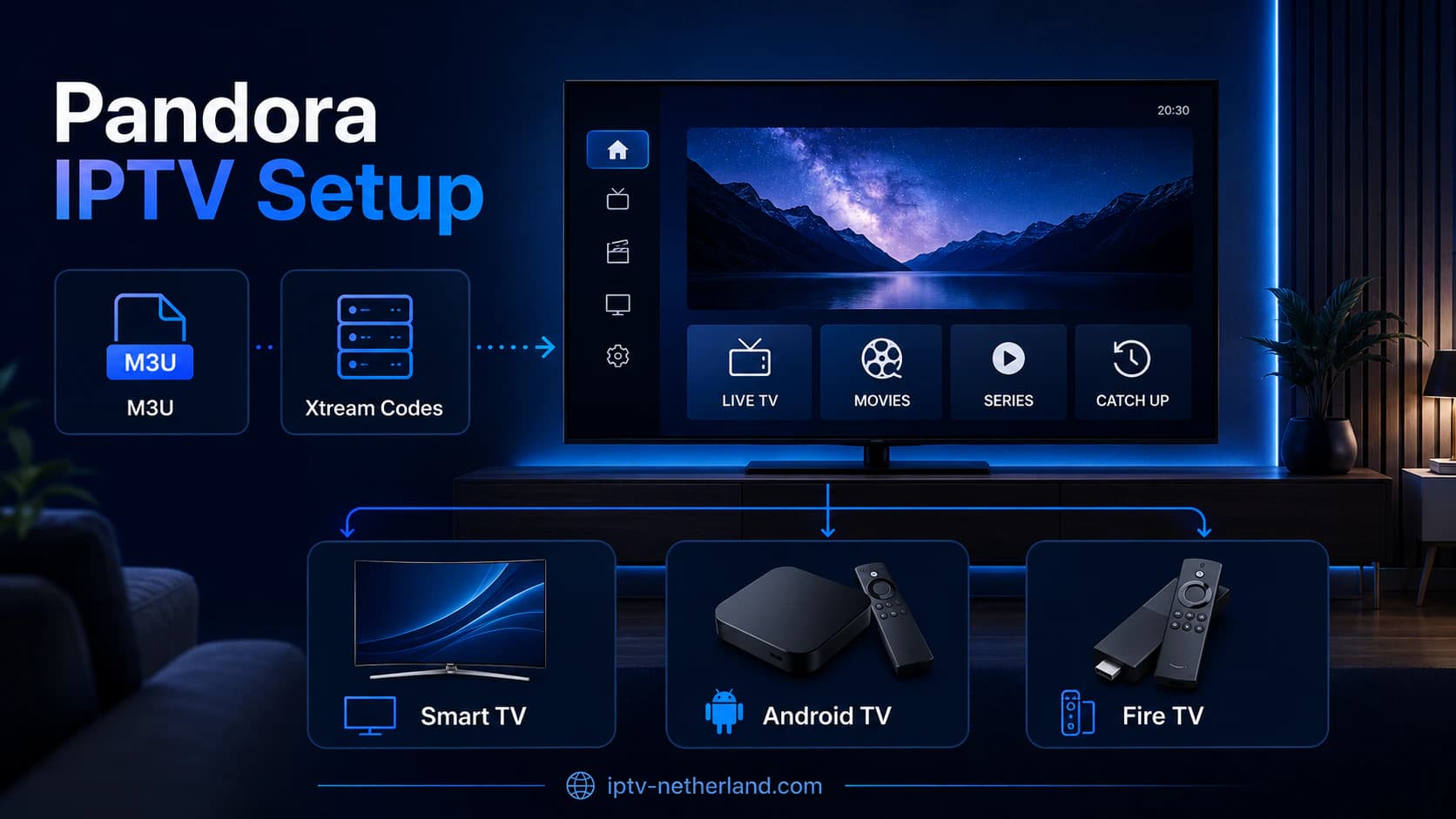
- how setup usually works;
- how M3U and Xtream Codes are involved;
- which devices can be used;
- how Smart TV, Android TV and Fire TV setup usually works;
- how to evaluate a provider before paying;
- why a trial is useful;
- what to do about buffering;
- how to think about legality;
- which alternatives exist.
Important: the name “Pandora IPTV” is used by multiple websites. Always verify the exact provider, app and terms you are dealing with. The technical information in this article applies generally to IPTV services that use M3U, Xtream Codes or similar login methods.
Quick answer: what is Pandora IPTV?
Pandora IPTV is usually used as the name of an IPTV service that delivers television over the internet.
Depending on the seller or provider, you may receive:
- an M3U link;
- an Xtream Codes login;
- a server URL;
- a username;
- a password;
- instructions for an external IPTV app.
You then enter those details into a compatible player such as:
- TiviMate;
- IPTV Smarters;
- SmartOne IPTV;
- Kodi;
- another M3U or Xtream Codes player.
The important point is that Pandora IPTV is not one standardized app or protocol name.
The exact installation process depends on the service that provides your account.
Is Pandora IPTV an App?
You may see references online to a Pandora IPTV app.
That needs some clarification.
The name can be used for:
- an IPTV provider;
- a provider-branded player;
- a third-party IPTV app recommended by a provider;
- a website selling subscriptions under the Pandora IPTV name.
That is different from a clearly defined, well-known IPTV player such as Kodi, TiviMate or SmartOne.
Always check which app is actually being used
If the instructions say:
Download IPTV Smarters and enter your username and password.
Then IPTV Smarters is the player, while Pandora is the service or seller.
If you receive an M3U URL, you can normally use it with several different M3U-compatible players.
If you are given an APK called Pandora IPTV, check:
- where the file comes from;
- who the developer is;
- which Android permissions it requests;
- whether the same app is available through an official app store;
- whether the provider has a verifiable website.
Do not install a random APK simply because someone on WhatsApp or Telegram says it is required.
How Does Pandora IPTV Work Technically?
The technology is usually not fundamentally different from other IPTV services.
The basic chain looks like this:
IPTV server
     ↓
Account / playlist
     ↓
Internet connection
     ↓
IPTV app
     ↓
Smart TV / box / phone
Your television is not connecting directly to traditional cable TV.
Instead, the app retrieves streams and metadata over the internet.
This can happen through:
- M3U;
- Xtream Codes/API;
- Stalker Portal;
- a provider-specific app.
For most consumers, M3U and Xtream Codes are the most recognizable methods.
Pandora IPTV with M3U
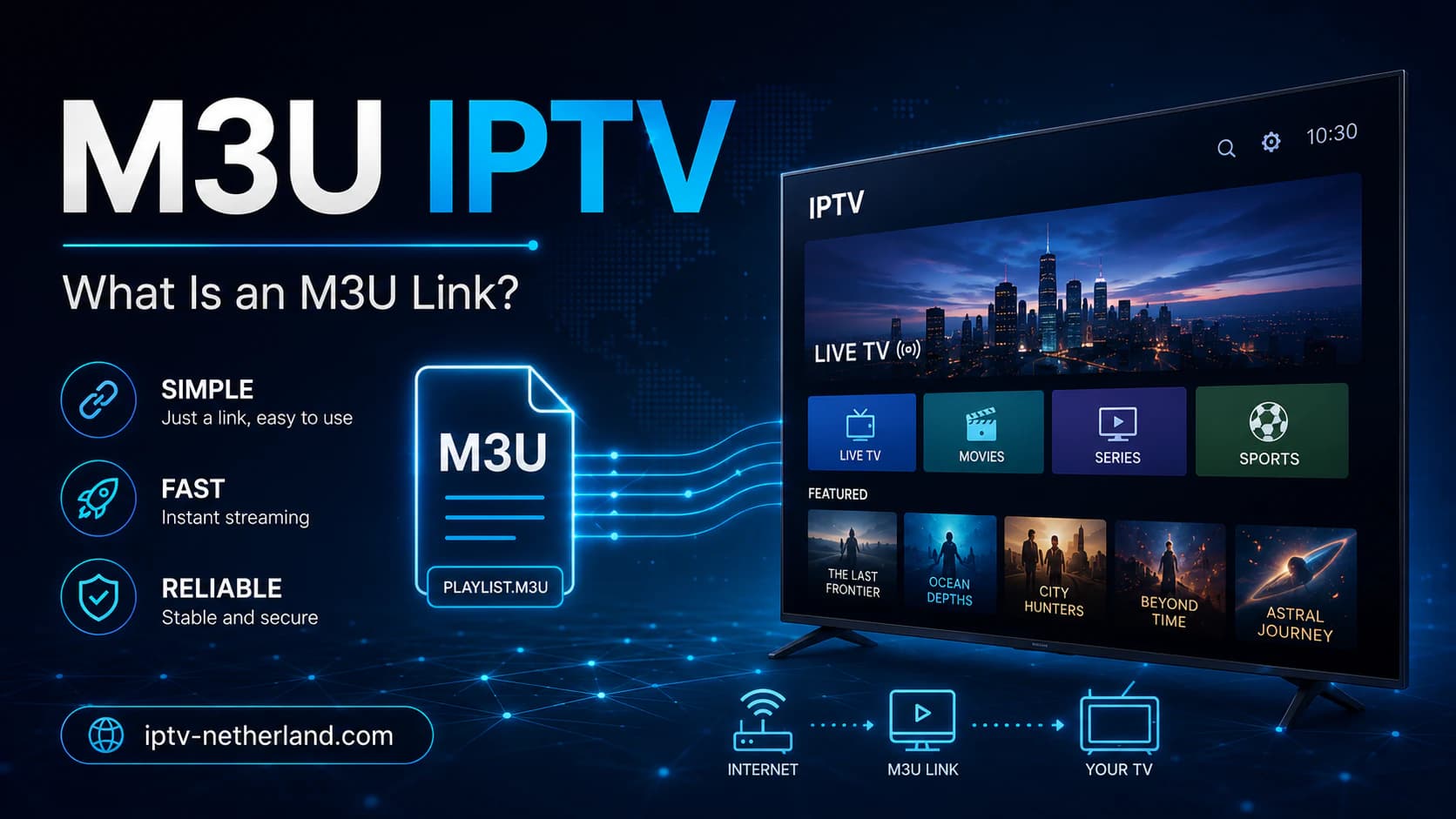
An M3U link is a playlist URL.
A technical example may look like:
https://example.com/get.php?username=USER&password=PASS&type=m3u_plusThis is only an example.
The URL can contain information about:
- your account;
- server;
- username;
- password;
- playlist format.
What does the M3U link do?
The IPTV player reads the playlist and turns it into a channel list.
Depending on the source, the playlist may include:
- live TV;
- radio;
- VOD links;
- groups;
- logos;
- EPG references.
Want a more technical explanation? Read M3U IPTV: What Is an M3U Link?.
Protect your M3U URL
An M3U link often contains login information.
Do not share it publicly.
Avoid posting it in:
- Reddit posts;
- screenshots;
- GitHub;
- forums;
- public support messages.
Pandora IPTV with Xtream Codes
An Xtream Codes login is usually easier to enter.
You may receive something like:
Server:
https://server.example:8080

Username:
example123

Password:
********
You enter those details into a compatible IPTV app.
The player then loads categories and content from the server.
Why do many users prefer Xtream Codes?
Because the app can often organize content automatically into:
- live TV;
- movies;
- series;
- EPG;
- categories.
That is often easier than dealing with one very long M3U URL.
M3U or Xtream Codes?
Use the method your service officially supports.
How to Install Pandora IPTV on a Smart TV
The installation process depends on your television's operating system.
Samsung, LG, Android TV and VIDAA do not all use the same apps.
That is an important distinction.
Pandora IPTV on Samsung TV
Samsung Smart TVs mainly use Tizen.
That means you cannot simply install every Android APK.
Use an IPTV app available through the Samsung app store.
Possible categories include:
- M3U players;
- Xtream Codes players;
- SmartOne IPTV;
- other supported IPTV clients.
General setup
- Open Apps on your Samsung TV.
- Search for a compatible IPTV player.
- Install the app.
- Open the player.
- Add the credentials from your IPTV service.
- Refresh the playlist.
- Test multiple channels.
Read IPTV App for Samsung TV for more options.
Pandora IPTV on LG Smart TV
LG mainly uses webOS.
Android APK files do not run directly on webOS either.
Use a compatible player from LG Content Store.
General steps
- Open LG Content Store.
- Search for an IPTV player.
- Install the app.
- Open the player.
- Add your M3U URL or supported login.
- Restart or refresh if required.
- Test EPG and live TV.
See IPTV App for LG TV for additional options.
Pandora IPTV on Android TV
Android TV gives you the widest choice.
You can install several IPTV players through Google Play.
Examples include:
- TiviMate;
- Kodi;
- IPTV Smarters-style players;
- other M3U/Xtream clients.
Installation
- Open Google Play.
- Search for your preferred IPTV player.
- Install it.
- Open the app.
- Choose M3U or Xtream Codes.
- Enter your details.
- Wait for the playlist to load.
Which app should you choose?
If live TV is your main priority, TiviMate is a popular choice.
If you want a complete media center, Kodi may be more suitable.
Read:
Pandora IPTV on Google TV
Google TV is based on Android.
The setup is therefore similar to Android TV.
- Open Google Play.
- Search for an IPTV player.
- Install it.
- Add your login.
- Test live TV and EPG.
Google TV devices include:
- Google TV Streamer;
- Chromecast with Google TV;
- televisions running Google TV.
Pandora IPTV on Fire TV Stick
Fire TV uses Fire OS.
Some IPTV apps are available directly through Amazon.
Others may be distributed as APK files.
Safest route
Prefer:
- Amazon Appstore;
- the official website of the app developer;
- an official download page.
Avoid third-party APK sites when an official source exists.
After installation
- Open the IPTV app.
- Add Xtream Codes or M3U.
- Wait for categories to load.
- Test several live channels.
- Test EPG.
- Test again during evening hours.
Pandora IPTV on Apple TV
Apple TV uses tvOS.
Not every Android or Smart TV app is available for Apple TV.
You need an App Store player that supports the login method you receive.
Before buying an IPTV subscription, check:
- whether you receive M3U;
- whether Xtream Codes is supported;
- whether your chosen Apple TV app is compatible.
That prevents you from paying first and discovering later that the supplied login is inconvenient on your device.
Pandora IPTV on a Phone or Tablet
You can also use third-party IPTV players on Android and iOS.
That makes a phone useful for initial testing.
If the login works on your phone but not on your television, the problem may be related to:
- the TV app;
- configuration;
- codec support;
- the television or box;
- the TV's network connection.
If the login works nowhere, the account or source itself may be the problem.
What Internet Speed Does Pandora IPTV Need?
The required speed depends mainly on stream quality.
It does not depend on the provider name.
Practical targets are:
These are not guarantees.
A stable connection is just as important as the maximum number shown by a speed test.
100 Mbps but still buffering?
That can happen.
Buffering may be caused by:
- server load;
- packet loss;
- Wi-Fi interference;
- routing;
- a poor source stream;
- device performance;
- very high bitrate.
Read Internet Speed for IPTV.
Pandora IPTV Is Buffering: What Can You Do?
Do not start by changing complicated settings.
Test systematically first.
1. Try another channel
If only one channel performs badly, the individual stream may be the issue.
2. Restart the app
Close the app fully.
Open it again.
3. Restart the device
This can resolve memory or decoder issues.
4. Test Ethernet
If your television is close enough to the router, a network cable often provides a more predictable connection than Wi-Fi.
5. Test another connection
Temporarily use a mobile hotspot.
If IPTV works through the hotspot but not through your fixed connection, that can indicate a local network or routing issue.
6. Test a second device
Use the same account details in another compatible player.
That helps you determine whether the problem is app-specific.
For more steps, read Watch IPTV Without Buffering.
Pandora IPTV Is Not Working
“Not working” can mean several different things.
Login fails
Check:
- server address;
- username;
- password;
- port number;
- extra spaces;
- account status.
Playlist stays empty
Possible causes include:
- incorrect M3U URL;
- expired account;
- server unavailable;
- app needs to refresh;
- network connection issue;
- unsupported playlist format.
Channels appear but do not play
Test:
- another category;
- another channel;
- another player;
- another device;
- another internet connection.
EPG is missing
Check whether:
- the source provides EPG;
- XMLTV is available;
- the Xtream API returns guide data;
- your device date and time are correct.
Pandora IPTV Free Trial: Why Test First?
A trial period is particularly useful with IPTV.
Not because a provider says the service is “stable,” but because your own setup matters.
Test:
- your Samsung/LG/Android TV;
- your ISP;
- your Wi-Fi;
- your favorite channels;
- sports during busy hours;
- EPG;
- subtitles;
- movies and series;
- support response time.
Do not test only in the morning
Some streaming problems become visible only when many users are watching at the same time.
Also test around:
- 19:00;
- 20:00;
- 21:00;
- a popular live sports event.
A service that works well during the day but becomes overloaded every evening is not a good choice.
Buying Pandora IPTV: What Should You Check?
Because multiple parties use the Pandora IPTV name, you should evaluate the specific provider more carefully than usual.
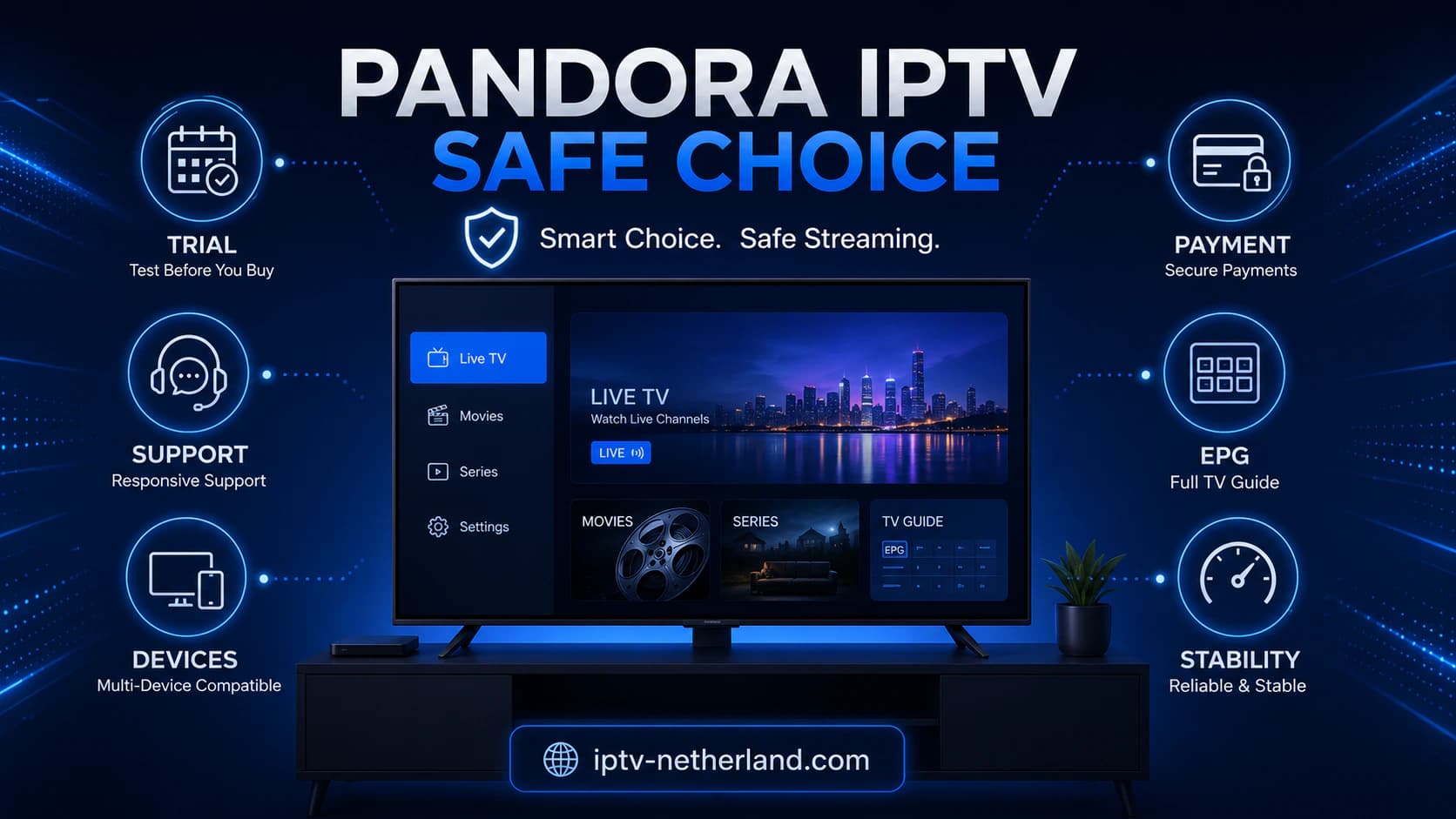
1. Is it clear who the provider is?
Check:
- business information;
- contact options;
- terms;
- privacy policy;
- support;
- billing information.
A polished website alone is not proof of reliability.
2. Is there a real trial?
A short trial can tell you a lot.
Do not only check whether the login works.
Test quality and support.
3. Are the claims realistic?
Be cautious with promises such as:
- “100% buffer-free”;
- “always 4K”;
- “never offline”;
- “every channel in the world”;
- “lifetime IPTV”.
No internet service can guarantee an absolutely interruption-free experience.
4. How do you pay?
Use a payment method where you understand:
- who receives the money;
- what buyer protection exists;
- how refunds are handled.
Be extra cautious if only irreversible payment methods are accepted.
5. Can you test support?
Ask a real technical question before buying.
For example:
I use a 2022 Samsung TV. Which app and login method do you recommend?
A useful answer should be specific.
Not simply:
Works on all devices.
Be Careful with “Lifetime Pandora IPTV”
A lifetime IPTV subscription may sound attractive.
But what does “lifetime” actually mean?
- lifetime of the company?
- lifetime of your account?
- lifetime of the server?
- lifetime of the app?
Streaming services have ongoing costs:
- servers;
- bandwidth;
- support;
- infrastructure;
- maintenance.
That is why a very cheap “lifetime IPTV” promise should make you more cautious.
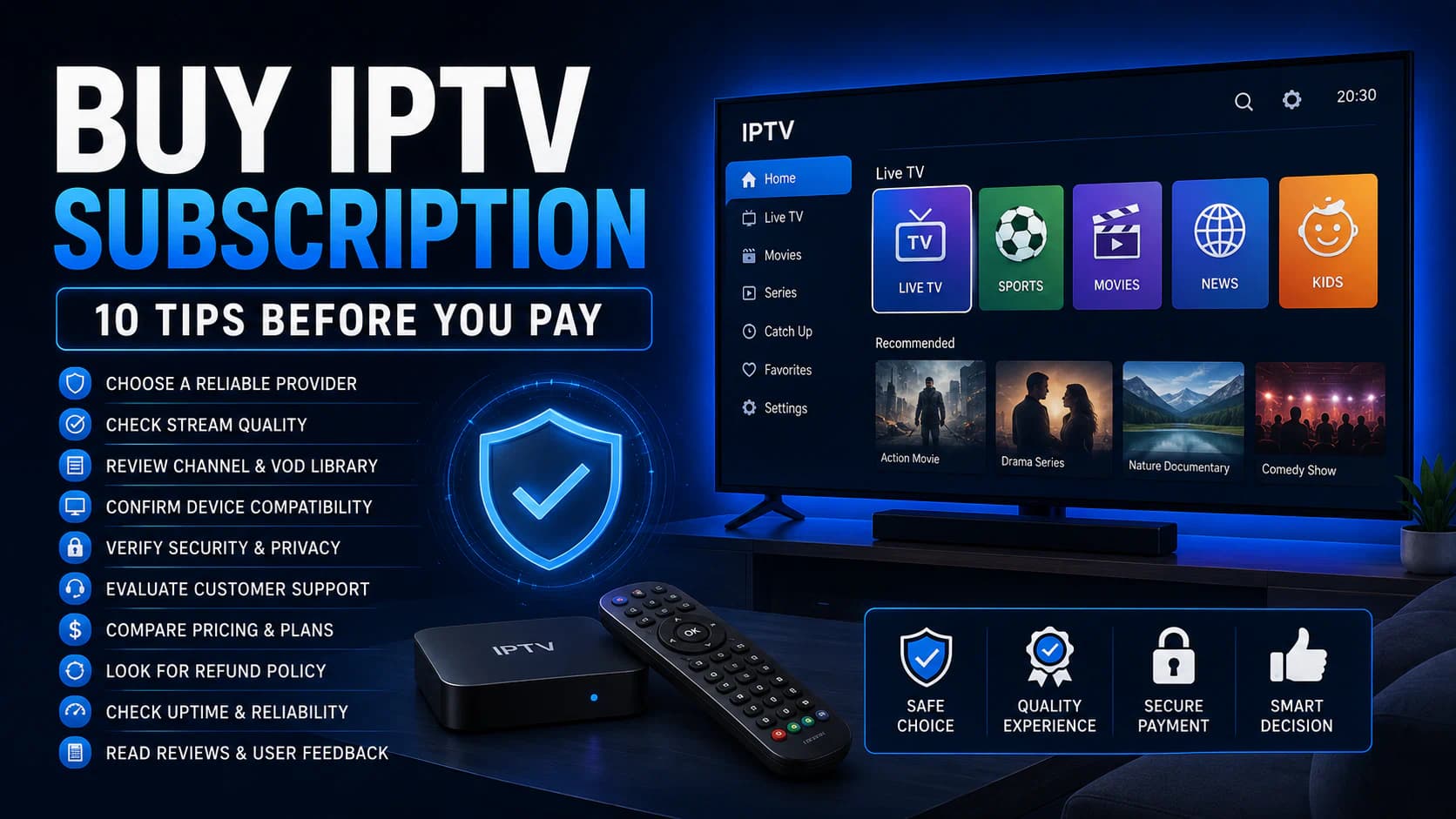
Read our guide Buy IPTV Subscription: What to Check Before Paying.
Is Pandora IPTV Legal?
IPTV as a technology is legal.
The legal question is:
Does the provider have the necessary rights to distribute the content it offers?
An M3U URL is not illegal by itself.
Xtream Codes is not proof of illegal activity.
An IPTV player is simply software.
What matters is:
- source;
- distribution rights;
- licensing;
- content being offered.
A huge channel list proves nothing about rights
A service offering thousands of channels does not automatically mean the rights are properly licensed.
Look beyond:
- price;
- channel count;
- sports;
- VOD.
Is Pandora IPTV Reliable?
You cannot determine that from the name alone.
Especially because multiple sites use the name.
Reliability must be evaluated per specific service.
Look at:
- transparency;
- technical quality;
- trial availability;
- customer service;
- payment method;
- terms;
- peak-hour performance;
- account security.
Reviews are not enough by themselves
Online reviews can be useful, but they may also be:
- sponsored;
- copied;
- outdated;
- written by affiliates;
- manipulated.
Treat reviews as one signal, not as the only evidence.
Pandora IPTV and VPNs
Some websites claim you always need a VPN for IPTV.
That is not true as a general rule.
A VPN can be useful for:
- privacy;
- testing a network-routing problem;
- public Wi-Fi;
- specific location-related use within applicable rules.
But a VPN can also:
- increase latency;
- reduce speed;
- cause buffering.
Use a VPN as a diagnostic test
If you have buffering:
- test without VPN;
- test with VPN.
Compare the results.
If the connection is better without the VPN, there is no reason to keep it enabled automatically.
If it is significantly better with the VPN, there may be a routing difference.
Pandora IPTV and Changing DNS
Changing DNS is often promoted as an “IPTV speed fix.”
DNS mainly controls how domain names are resolved.
A different DNS resolver may help when:
- DNS resolution fails;
- a domain resolves slowly;
- your current DNS server has problems.
But DNS does not directly increase the video bandwidth of an active stream.
Do not expect:
8.8.8.8or:
1.1.1.1to suddenly fix an overloaded streaming server.
Should You Disable Your Firewall?
Not as a normal troubleshooting step.
A standard IPTV app using outbound internet connections usually has no reason to require your entire firewall to be disabled.
Be cautious with guides that tell you to:
- disable the firewall completely;
- open random ports;
- turn off router security.
Only change those settings if you understand exactly why they are technically required.
Which IPTV App Is Best for Pandora IPTV?
It depends on the login method you receive.
You receive Xtream Codes
Consider a player with direct Xtream login support.
For example, TiviMate or a compatible Smart TV player.
You receive M3U
You have many options:
- Kodi;
- SmartOne;
- other M3U-compatible players.
You use Samsung or LG
Choose an app that is natively available for your Smart TV platform.
You use Android TV
TiviMate is attractive for live TV.
Kodi is attractive if you want a complete media center.
Read Best IPTV App for Smart TV.
Pandora IPTV vs SmartOne IPTV
These names can be confusing because they refer to different things.
SmartOne IPTV is a media player.
Pandora IPTV is usually used as the name of an IPTV service/provider.
A possible setup is:
Pandora IPTV account
        ↓
SmartOne IPTV app
        ↓
Smart TV
This can work when the supplied login method is compatible.
Read Install SmartOne IPTV.
Pandora IPTV vs Kodi
Kodi is not an IPTV provider.
Kodi is an open-source media center.
With PVR IPTV Simple Client, you can use an M3U playlist.
For example:
Pandora IPTV / another M3U source
        ↓
PVR IPTV Simple Client
        ↓
Kodi
Kodi is particularly useful if you want to combine IPTV with local media.
Read Kodi IPTV Setup.
Pandora IPTV vs TiviMate
TiviMate is an IPTV player designed mainly for Android TV-style devices.
A typical setup could look like:
IPTV account
    ↓
Xtream Codes
    ↓
TiviMate
    ↓
Android TV
TiviMate does not provide a channel subscription itself.
It organizes the account information you add.
What If Pandora IPTV Only Provides Its Own App?
Ask whether you can also receive standard access details such as:
- M3U;
- Xtream Codes;
- portal details.
Why?
Because that means you are not fully dependent on one unknown app.
Standard credentials allow you to:
- test other players;
- diagnose problems;
- move to another device.
If a provider only offers an unknown APK and refuses to explain how the access works, that is a reason to be more cautious.
Can Pandora IPTV Be Used on Multiple Devices?
Technically, you can often configure the same credentials on several devices.
That does not necessarily mean you can watch on all of them at the same time.
A provider may allow:
- installation on multiple devices;
- but only one active stream at a time.
If you start a second stream, you may experience:
- one stream stopping;
- login being refused;
- temporary account restriction.
Always check the number of simultaneous connections included.
How Do You Test Picture Quality?
Do not rely only on labels such as:
- HD;
- FHD;
- 4K.
Check the actual stream.
Look at:
- sharpness;
- frame rate;
- compression;
- block artifacts;
- movement during sports;
- audio synchronization.
A stream labeled “4K” does not necessarily provide the same quality as a high-quality official 4K broadcast.
Watching Sports Through IPTV: What Should You Test?
Sports are a demanding real-world test.
Why?
Because:
- many viewers may connect at the same time;
- fast motion makes bitrate more important;
- buffering is easier to notice;
- frame rate matters.
If sports are important to you, test the trial during a live event.
Check:
- startup time;
- buffering;
- frame drops;
- audio sync;
- picture quality.
VOD: Movies and Series
Some Pandora IPTV providers also advertise movies and series.
During a trial, check:
- loading speed;
- search;
- categories;
- subtitles;
- audio;
- resume function;
- episode order.
A huge VOD library is not very useful when:
- metadata is incorrect;
- links do not work;
- episodes are missing;
- subtitles are poor.
Check the EPG
A good EPG makes live TV much easier to use.
Check:
- current program;
- next program;
- correct time;
- channel logo;
- categories;
- multiple days of guide data.
EPG is one hour wrong?
Check first:
- timezone;
- device date;
- daylight saving time.
Only then use a manual EPG offset.
What Information Does Support Need?
When you report a technical issue, specific information helps support diagnose it faster.
For example:
App: TiviMate
Device: Google TV
Connection: Ethernet
Problem: only NL Sport 2 buffers
Other channels: working
Time: 20:45
Do not post your password publicly.
Specific details help support determine whether the issue is related to:
- app;
- account;
- channel;
- network;
- server.
Pandora IPTV Checklist Before Buying
Use this checklist:
- I know which exact website/provider I am dealing with.
- I understand that Pandora IPTV is not a universal standard.
- I know which app I need.
- My device is supported.
- I tested a trial account.
- I also tested in the evening.
- My favorite channels work.
- EPG works.
- Subtitles work where needed.
- Support responds.
- I know how many simultaneous streams are allowed.
- I have read the terms and refund policy.
- The payment method is understandable and traceable.
- I do not need an unknown modified app.
If several of these points are still unclear, do not immediately buy a long subscription.
Frequently Asked Questions About Pandora IPTV
What is Pandora IPTV?
Pandora IPTV is a name used by several IPTV websites and services.
It is not a universal IPTV standard.
Is Pandora IPTV an app?
Not necessarily.
Some providers use the name for the service while customers use a third-party IPTV player.
Which app do I need?
It depends on your login method.
For Xtream Codes, use an Xtream-compatible player.
For M3U, you can use Kodi, SmartOne or another M3U player.
Does Pandora IPTV work on Samsung?
A compatible IPTV service can work on Samsung through a Tizen IPTV player.
App availability depends on TV model and region.
Does it work on LG?
Yes, when you use a webOS player that supports the supplied login.
Does Pandora IPTV work on Android TV?
M3U- and Xtream-based services can technically be used on Android TV through compatible apps.
Does it work on Firestick?
Yes, when the login is compatible with a Fire TV IPTV player.
Can I use Kodi?
Yes, when you have a usable M3U link.
Kodi's PVR IPTV Simple Client primarily uses M3U and XMLTV.
Can I use TiviMate?
Yes, when the service provides a compatible M3U or Xtream Codes login.
Can I use SmartOne IPTV?
Possibly, when SmartOne supports the account format you receive.
Why does Pandora IPTV buffer?
Possible causes include Wi-Fi, internet quality, provider load, source stream, bitrate or device performance.
Does a VPN fix buffering?
Sometimes it can help diagnose routing problems, but not always.
A VPN can also make the connection slower.
Does changing DNS help?
Only when DNS resolution is the issue.
DNS does not directly increase video bandwidth.
Is Pandora IPTV legal?
IPTV technology is legal.
The provider still needs the required rights to distribute the content being offered.
Is Pandora IPTV reliable?
That cannot be determined from the name alone because multiple services use it.
Evaluate the specific provider.
Should I use a free trial first?
Yes, when one is available.
Test your own device, connection and favorite channels before paying for a longer period.
How long should I buy the first time?
If you do not know the provider yet, a shorter subscription is less risky than immediately buying a year or “lifetime” plan.
Conclusion: Look Beyond the Pandora IPTV Name
The main conclusion is simple:
Pandora IPTV is not a technical standard that automatically refers to one specific service or app.
Different websites use the name.
So do not evaluate a service based only on the logo or brand name.
Check:
- who the provider is;
- which login method you receive;
- which app is required;
- whether your device works;
- whether EPG and subtitles work correctly;
- how the service performs during peak hours;
- how many connections are included;
- which terms apply;
- whether the content is lawfully offered.
Technically, a Pandora IPTV account often uses the same mechanisms as other IPTV services:
- M3U;
- Xtream Codes;
- an external IPTV player;
- an internet connection.
That is why it is more useful to evaluate the specific service and technical access method than the name alone.
At iptv-netherland.com, we help customers not only with IPTV access but also with the installation and configuration of their device.
Would you like to test how IPTV works on your own internet connection and television first?
Compare our IPTV subscriptions, browse the Dutch IPTV channel list, or request a free trial account. That way, you can evaluate which settings work best on your own device before choosing a longer subscription.
Written by
IPTV Netherland Editorial Team
IPTV setup and streaming support
Our editorial team writes practical IPTV guides for viewers in the Netherlands, with a focus on device setup, stable streaming, app configuration, and clear troubleshooting steps.
Useful IPTV resources
Continue with the most relevant setup, channel, and subscription pages.